Limited time: Free migration + 90-day onboarding support when you switch from any platform. See what's included

Run Your Team. Track Their Numbers. Pay Them Right.

Role-based access, performance tracking, self-service scheduling, automated payroll sign-offs, and trainer compensation โ€” all in one place. No spreadsheets. No guessing. No disputes at pay time.

Start Free Trial Book a Demo

Stop managing your staff on spreadsheets and guesswork

Most gym operators can't tell you โ€” right now โ€” how many sessions their top trainer did last week, what their close rate is, or how much commission they've earned this month. That's not a people problem. That's a systems problem.

Buzops gives every staff member their own login, their own role-appropriate view, and connects their activity directly to payroll and performance reports. You see everything. They manage themselves.

  • Role-based permissions โ€” staff see and do only what their role allows
  • Performance metrics and leaderboards โ€” sessions, sales, close rate, revenue
  • Staff self-service scheduling โ€” trainers manage their own availability
  • Automated session sign-offs โ€” sessions confirmed and logged without paperwork
  • Trainer compensation tracking โ€” commissions calculated automatically
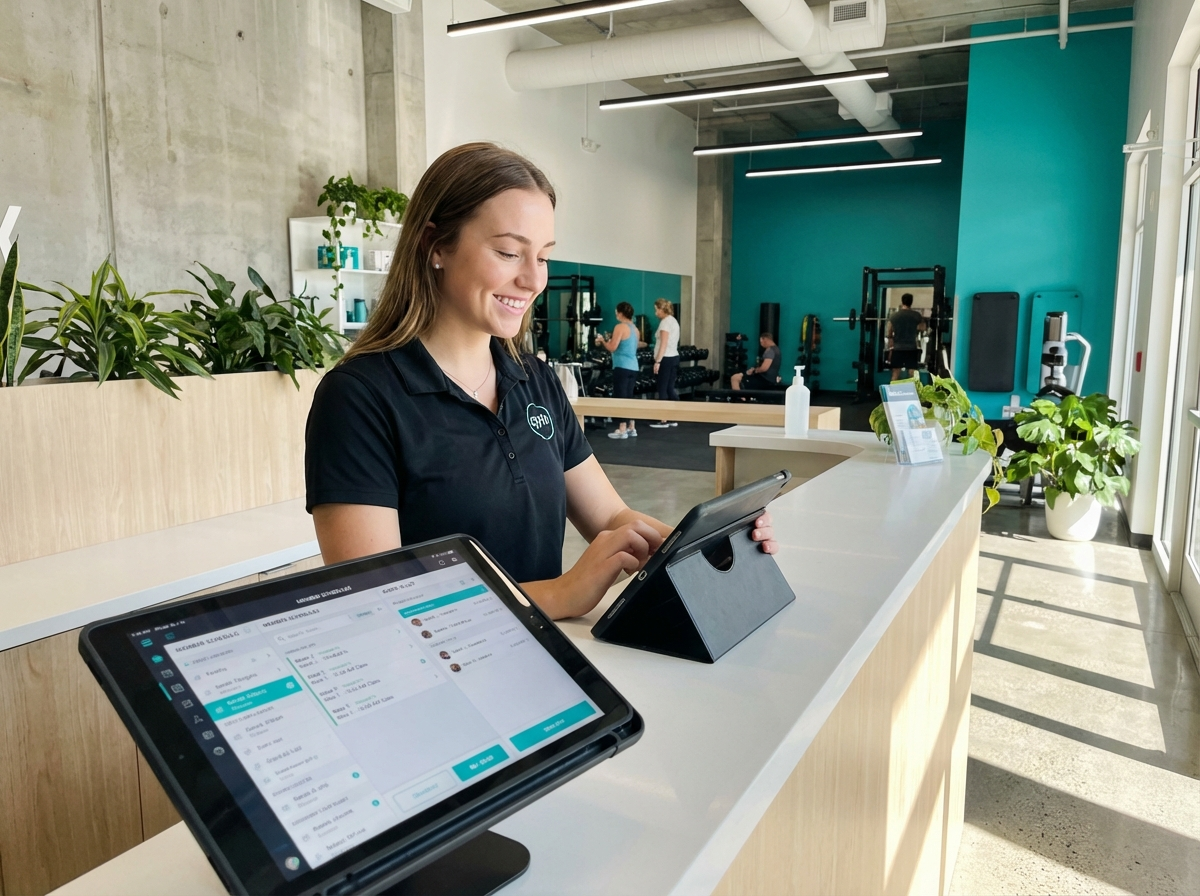
Buzops staff management dashboard

Every Tool Your Management Team Needs

From the gym owner down to the front desk, everyone works inside one system.

๐Ÿ”

Role-Based Permissions

Set exactly what each staff member can see and do. Trainers access their own schedules and clients. Managers see their location. Owners see everything. Sensitive billing data stays protected by default.

๐Ÿ“ˆ

Performance Metrics

Sessions completed, PT packages sold, close rate, revenue generated, client retention โ€” tracked per staff member, per week, per month. See who's performing and who needs coaching.

๐Ÿ†

Staff Leaderboards

Visible rankings that show who's leading in sessions, sales, and revenue. Public leaderboards create healthy competition and give your top performers the recognition they've earned.

๐Ÿ“…

Self-Service Scheduling

Trainers set their own availability windows. Members book within those windows. Shift requests, time-off, and schedule changes go through the system โ€” not through text messages to the manager.

โœ…

Automated Session Sign-Offs

Sessions are automatically logged when completed. Members confirm via their portal. Payroll-ready records are created without anyone filling out a form. No disputes. No missing logs at pay time.

๐Ÿ’ฐ

Trainer Compensation Tracking

Commission structures, flat-rate session pay, bonuses โ€” configured once, calculated automatically. Every trainer sees their earnings in real time. Payroll exports in the format your accountant actually needs.

Your trainers compete harder when they can see the numbers

Leaderboards aren't about pressure โ€” they're about information. When a trainer can see they're 4 sessions behind the leader, they find those 4 sessions. When a front desk rep can see their close rate is 18% versus the team average of 29%, the conversation about improvement becomes obvious.

Buzops makes performance data visible in real time. Every staff member sees where they stand. You spend less time managing performance and more time coaching it.

See It Live
This Month โ€” PT Revenue
1
Marcus T.
38 sessions
$11,400
2
Jordan K.
31 sessions
$9,300
3
Priya M.
29 sessions
$8,700
4
Devon L.
22 sessions
$6,600
5
Aisha R.
19 sessions
$5,700

Common Questions

How granular are the role-based permissions?
Very granular. You can control access to billing records, member contact details, reports, lead pipelines, and schedule management independently. A trainer can have access to their own client list and schedule without seeing any payment data or overall gym metrics.
How do automated session sign-offs work for payroll?
When a session is completed, the trainer marks it done in Buzops. The member gets a notification to confirm. Once confirmed, the session is logged and counted toward payroll. If a member doesn't confirm within your configured window, it's still recorded โ€” the confirmation just flags it as verified. Payroll exports show completed sessions, rates, and calculated pay per staff member.
Can I set different commission structures for different trainers?
Yes. Each staff member can have their own compensation structure โ€” flat rate per session, percentage of package value, tiered commissions based on volume, or a combination. Changes apply going forward, and the historical rates are preserved so past payroll calculations don't change.
What does staff self-service scheduling actually control?
Trainers set their available hours within your defined business hours. Members can only book into those windows. Trainers can block time, set recurring availability, and request time off โ€” all through their own portal. Managers approve time off requests. The main schedule updates automatically when availability changes.
Can staff see their own performance data?
Yes โ€” and that's intentional. Trainers can see their session count, revenue generated, client retention rate, and where they rank on the leaderboard. Transparency drives performance. You decide whether the leaderboard is visible to the whole team or just accessible per individual.

Your staff performance data shouldn't live in your head

Try Buzops free for 30 days. Free migration, free onboarding, no contract. Start tracking what your team actually produces.